Up and running in minutes
Sign in and set up your business
Sign in with your email, add your business name and your staff. Each staff member sets their own language.
Request early accessChoose how customers reach you
A call link to share online, a business phone number to print on your board — or both.
Answer, and translate when it helps
Calls ring your staff in the browser or the Ekvani app, even when the phone is locked. Tap Translate and pick the customer’s language.
Your call link
ekvani.ai/c/your-shop · and a QR code
- Share it anywhere: your website, WhatsApp, Instagram, Facebook, your Google listing, a QR code at your counter.
- Customers tap Call in their browser. No app, no account.
- Best for online customers, social media and walk-ins.
- Ready the moment you sign up.
A business phone number
+91 80 •••• •••• · your own local number
- Customers dial from any phone, even a basic phone.
- Best for customers who prefer to just call a number.
Use either, or both: the link online, the number on your board. Translation works the same on both.
Everything to take calls in any language
A call link and QR code
Share it on WhatsApp, print it at the counter, add it to your website.
A phone number
Customers call from any phone. Translation works the same.
The staff app
Rings even when the phone is locked. Or answer in the browser.
Translation at a tap
Turn it on when a customer needs it, off when they don’t.
Works on any phone
Smartphone or basic phone: customers use your link or dial your number.
Minutes and history
Who answered, how long, in which languages. Call back from the list.
Indian languages and English
- తెలుగుTelugu
- हिंदीHindi
- தமிழ்Tamil
- ಕನ್ನಡKannada
- മലയാളംMalayalam
- मराठीMarathi
- বাংলাBengali
- ગુજરાતીGujarati
- ਪੰਜਾਬੀPunjabi
- ଓଡ଼ିଆOdia
- EnglishEnglish
For any business that India calls
Clinics and hospitals
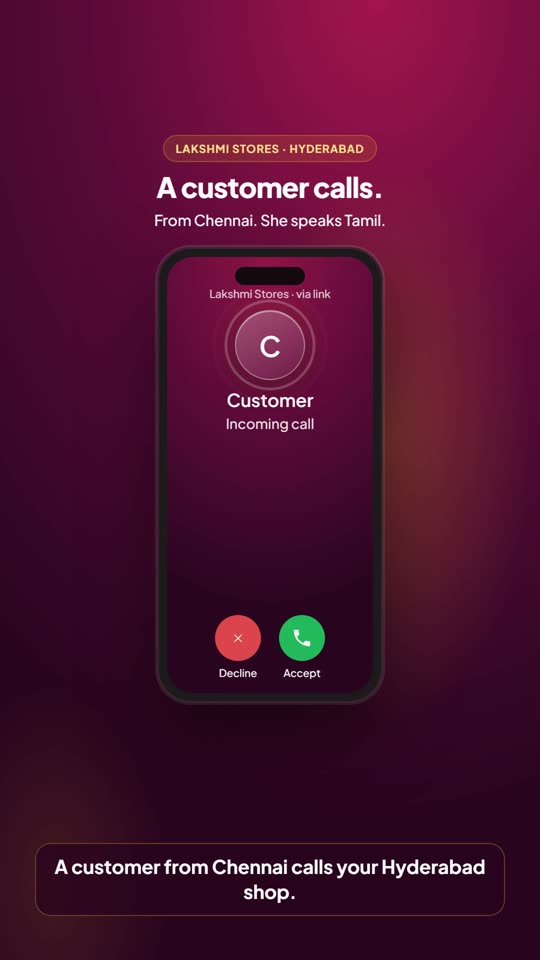
A Tamil patient calls a clinic in Hyderabad.
Shops and delivery
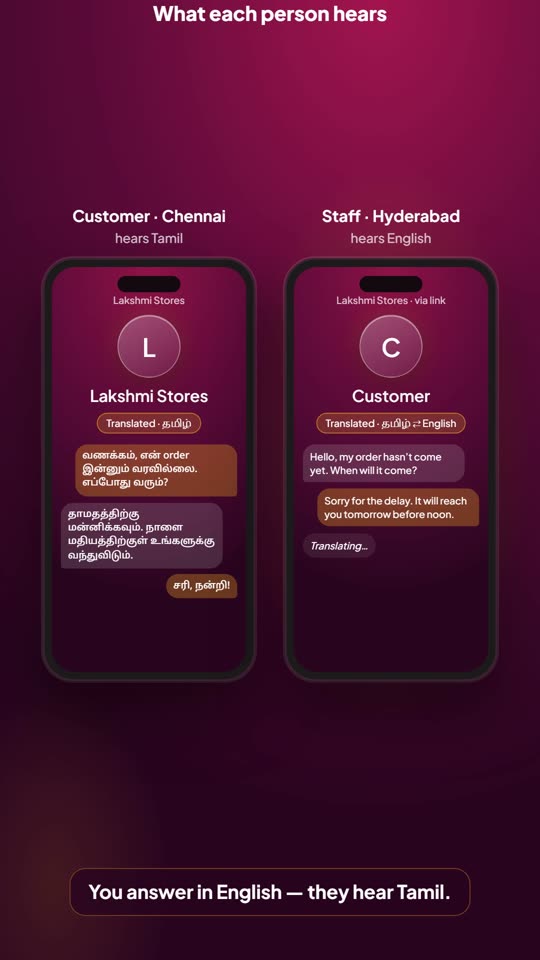
A customer asks about an order in Telugu; staff answer in Hindi.
Apartment societies
Residents from every state reach the office in their language.
Real estate
Buyers from other states talk to your sales team.
Help desks
Citizens call in their own language.
Hotels and travel
Guests from across India call the front desk.
Good to know
Does the customer need an app?
No. They open your link and tap Call, or dial your number. No app, no account.
How does translation start?
Every call starts as a normal call. When a customer is more comfortable in another language, your staff tap Translate and pick it. Each person then hears the other in their own language, live, sentence by sentence.
Can my staff use their own phones?
Yes. Staff answer in the browser, on a computer or phone, or in the Ekvani app on their Android phone.
Link or phone number — which should I choose?
Both work the same, translation included. Use the link online — your website, WhatsApp, social media — and the number where people prefer to dial, like your shop board. Many businesses use both.
What does it cost?
Free during early access. Plans by the minute come later; a business phone number is a monthly plan.
Thank you
We’ll be in touch soon to set up Ekvani for .